Practical setup notes
Room first.
Ports next.
A useful projection setup begins with constraints you can describe, not specifications inferred from a photograph.
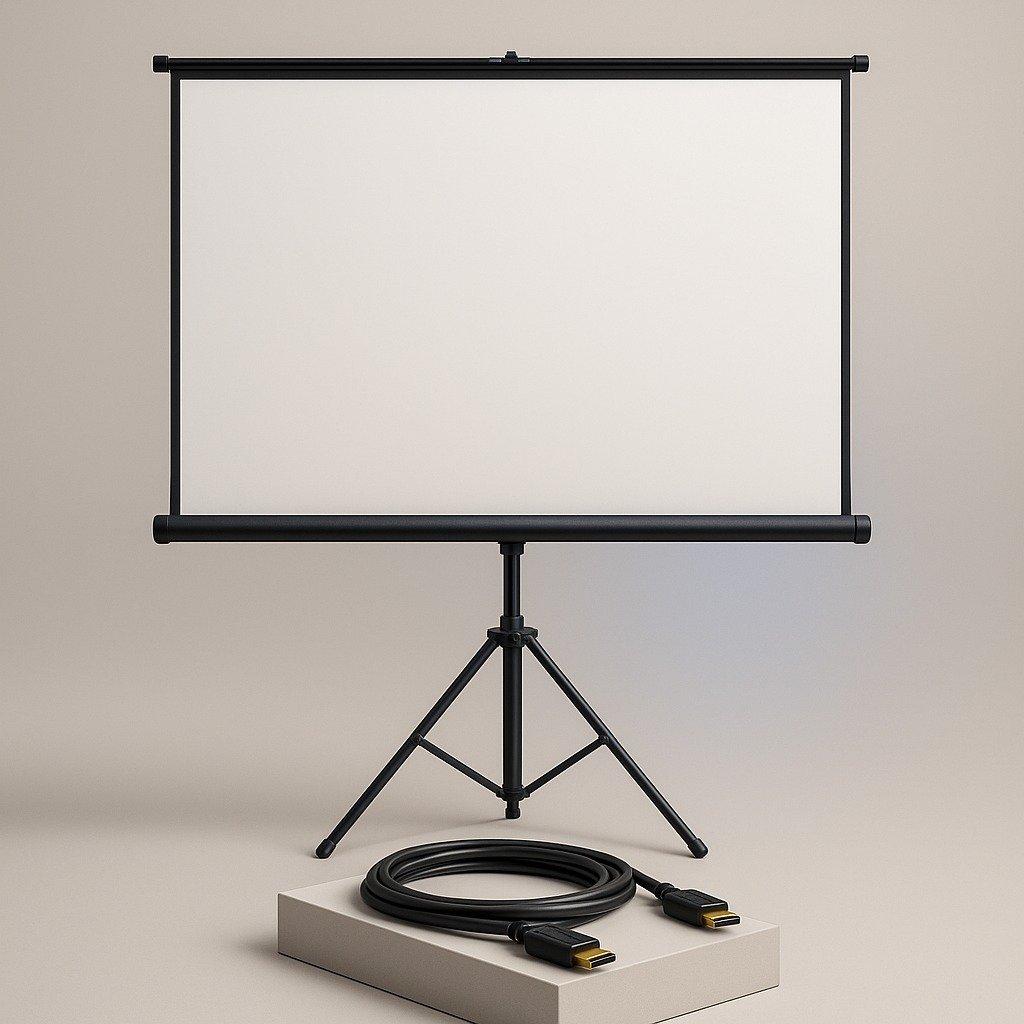
Define the viewing area
Write down where people will sit, where the projector can be positioned and what occupies the wall. The useful picture size depends on the room and projector as well as the screen. Confirm the actual viewing area, border, overall unit width and height before requesting a particular construction.
Choose a construction that matches daily use
A fixed frame leaves the surface visible. A pull-down housing stores it overhead; dual side supports leave the screen freestanding. Tripod and folding-frame constructions add their own support footprints. Check mounting suitability, space for operation, assembly and safe movement around the equipment. Do not assume a portable construction is weatherproof or suited to every outdoor setting.
Identify the connector, not just the cable name
Full-size HDMI and micro HDMI have different dimensions. Micro HDMI must not be confused with mini HDMI, USB-C or a charging port. Use the device documentation or a clear photograph of the port when confirming the selection. A right-angle connector also needs the correct orientation for the physical socket and adjacent ports.
Measure the real cable path
Include turns around furniture, the connector housings and a relaxed approach to each socket. Avoid taut runs, tight bends, pinching and routes that create a trip hazard. Cable length is not established by our photography; ask us to confirm the length and actual cable specification before the order proceeds.
Check the complete signal chain
Source device, cable, adapters if any and projector or display must support the intended connection. We do not claim bandwidth, resolutions, certification or universal compatibility absent a confirmed specification. Describe the signal you intend to use and the equipment models to the merchant before relying on a particular lead.
Handling and storage
Follow the instructions supplied with the actual screen and cable. Protect the screen surface from creases and unsuitable cleaning agents. Do not pull a cable out by its jacket or force a connector into an unmatched socket. Retract, fold or pack a screen only in the manner its construction permits.
Make the request useful
Include the product name, quantity, port type, room constraints and any dimension or cable-length requirement in your checkout notes. The received reference confirms that the request was recorded, not that those details are already verified. Contact us to resolve specifications, availability and delivery before arranging payment.
Choose equipment ↗